Preserving Family History: How to Digitize Photos, Letters, and Memories in Minnesota
A rightsizing move is the perfect — and often urgent — opportunity to preserve decades of family memories before they are lost forever. Boxes of photographs, handwritten letters, home movies on VHS, and documents tucked away in drawers represent an irreplaceable record of family history. Once they are gone — from a flood, fire, or simply thrown away in a rushed move — they cannot be recovered.
This guide covers the practical steps for digitizing and preserving a Minnesota family legacy during the rightsizing process.
What to Preserve
Not everything needs to be digitized. Prioritize:
- Family photographs: Especially prints from before the digital era (pre-2000) where no digital backup exists
- Home movies: Super 8 film, VHS tapes, and Hi8 cassettes degrade significantly over time — these are urgent
- Handwritten letters and documents: Military discharge papers, immigration documents, birth and marriage certificates, handwritten correspondence
- Recipes and journals: Handwritten family recipes and personal diaries are irreplaceable
- Newspaper clippings and ephemera: Obituaries, wedding announcements, and historical documents
Option 1: DIY Scanning
For families with time and some technical comfort, DIY scanning is cost-effective and gives maximum control over the process.
Equipment needed:
- Flatbed scanner with a minimum resolution of 600 DPI (for prints) or 1200 DPI (for slides and negatives)
- A computer with adequate storage
- Cloud backup solution (Google Photos, iCloud, Amazon Photos)
Recommended scanning resolutions:
- Standard prints (4x6, 5x7): 600 DPI
- Small prints (wallet size): 1200 DPI
- Slides and negatives: 2400-4800 DPI
- Documents and letters: 300-400 DPI
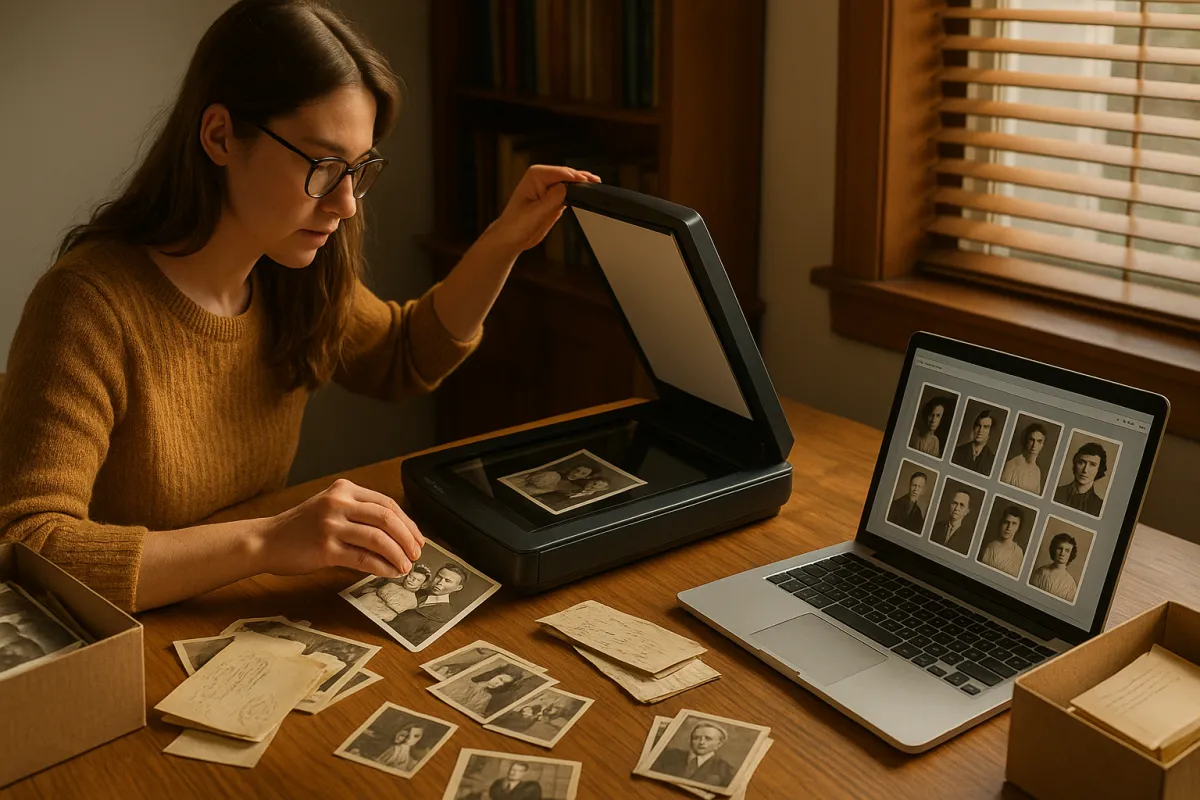
Budget approximately 2-3 minutes per photo including scanning, file naming, and quality checking. A shoebox of 200 photos requires 6-10 hours of dedicated scanning time.
Option 2: Mobile Scanning Apps
For quick digitization of large volumes of prints, mobile scanning apps offer speed at the cost of some quality. Google PhotoScan and Microsoft Lens are two well-regarded options that reduce glare and improve image quality beyond a simple photograph of a photo.
Mobile scanning works well for social sharing and family albums but may not produce archival-quality results for preservation purposes.
Option 3: Professional Digitization Services
For high-volume projects, urgent timelines, or items requiring specialized equipment (slides, negatives, VHS tapes, Super 8 film), professional digitization services are the right choice.
The Twin Cities metro has several local digitization services. National mail-in services like ScanMyPhotos and Legacybox also serve Minnesota families and can handle mixed media collections.
Professional services typically charge by the item or by the box. A box of 1,000 photos runs approximately $150-$350 at national services.
Organizing Your Digital Archive
Digitizing without organizing creates a different kind of chaos. A simple folder structure works well for most families:
- Family Name Archives
- By Decade: 1940s, 1950s, 1960s, etc.
- By Person or Branch: Grandparents, Parents, Siblings
- Special Events: Weddings, Holidays, Vacations
Add descriptive file names (Smith_Family_Christmas_1967.jpg) rather than keeping generic scanner names (IMG_0042.jpg). This makes the archive searchable and meaningful for future generations.
Sharing the Archive With Family
The real value of digitization is shareability. Options for distributing the family archive:
- Shared cloud folder: Google Photos, iCloud shared album, or Dropbox folder — accessible to all family members
- Printed photo book: Services like Chatbooks, Shutterfly, and Artifact Uprising create beautiful printed books from digital files — an excellent family gift at the close of the rightsizing process
- USB drive for each family member: A simple, technology-agnostic solution that every family member can store safely
- Private family website or digital memorial: Platforms like Storyworth or Ancestry allow photos and stories to be assembled into an interactive family history
More in Our Personal Treasures Series
- The Keep, Gift, Sell, Donate Method
- What to Do with a Lifetime of Belongings
- How to Have the Heirloom Conversation Without the Family Drama
- Estate Sales, Online Auctions, and Donation
Circle Partners helps Minnesota families honor their legacy throughout the rightsizing process. Contact us today for a no-obligation consultation across Wright County.