How to Digitally Archive Your Family's Photos and Documents in Minnesota
Tucked in shoeboxes, photo albums, and filing cabinets across Minnesota are irreplaceable treasures — faded photographs from the 1950s, handwritten letters, military service records, marriage certificates, and home movies on Super 8 film. A rightsizing move is the perfect — and often urgent — opportunity to preserve these memories digitally before they are lost forever. Here's how to do it.
Why Digital Archiving Matters Now
Paper photographs, negatives, and documents degrade over time, especially in the temperature and humidity fluctuations common in Minnesota homes. A rightsizing move often brings these materials out of storage for the first time in decades. This is your window to preserve them permanently.
Digital archives can be easily shared with family members across the country, backed up securely in the cloud, and organized in ways that make them accessible for generations to come.
What to Archive
- Printed photographs (all formats, including Polaroids and wallet photos)
- Photo negatives and slides
- Home movies (VHS, 8mm, Super 8, Hi8)
- Important documents (birth certificates, military records, naturalization papers, diplomas)
- Handwritten letters and cards
- Newspaper clippings and family scrapbooks
- Recipes in a parent's handwriting
DIY Scanning: What You Need
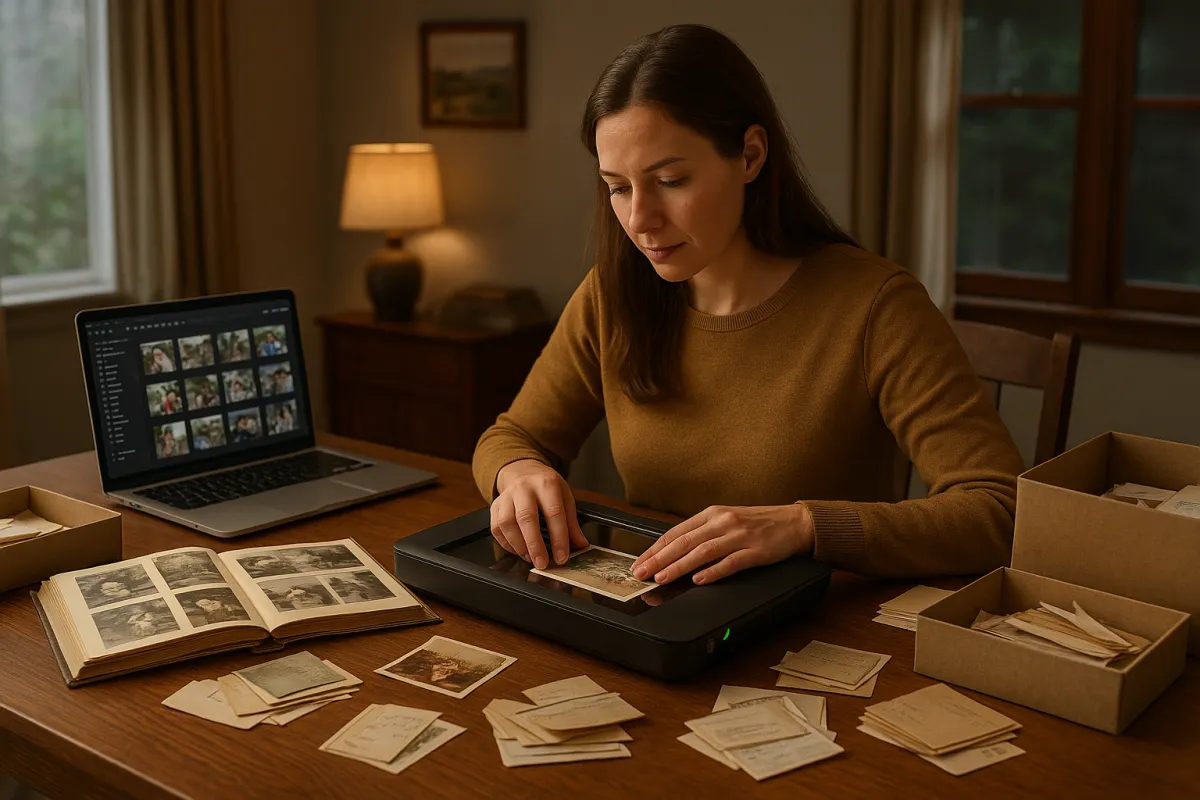
For families who want to archive photos and documents themselves, a flatbed scanner with a transparency adapter (for negatives and slides) is the most versatile tool. Look for a scanner with at least 600 DPI resolution for documents and 1200–2400 DPI for photos and film.
Professional Archiving Services
For large collections, fragile materials, or home movies on obsolete formats, professional digitization services offer the highest quality results. Options include mail-in services that convert VHS tapes, film reels, slides, and photos, as well as local photography studios in the Twin Cities area that handle fragile or unusual materials.
Organizing Your Digital Archive
Digitized materials are only useful if they can be found. Organize your archive by decade, then by family branch or event. Add captions identifying people, locations, and dates wherever possible — ideally with input from your parent while their memory is still clear. This context is irreplaceable.
One More Thing: Capture the Stories
The most valuable archive isn't just images — it's the stories behind them. Consider recording a short video with your parent as they look through old photos, or using a simple oral history app to capture their memories and voice for future generations. These recordings become family treasures.
Let's Preserve Your Family's Legacy
The rightsizing process is the perfect time to protect your family's most precious memories. Contact our team and ask about our Legacy Preservation resources — we can connect you with trusted digitization services and help you build an archiving plan that fits your timeline.